Dell Tower Desktop Review (2026): RTX 5060 + 20-Core Core Ultra 7 265F, 64GB DDR5, 4TB SSD
The Minimalist Muscle Machine: Dell Tower Desktop (RTX 5060 / Core Ultra 7 265F) Review
This post contains affiliate links. #CommissionsEarned
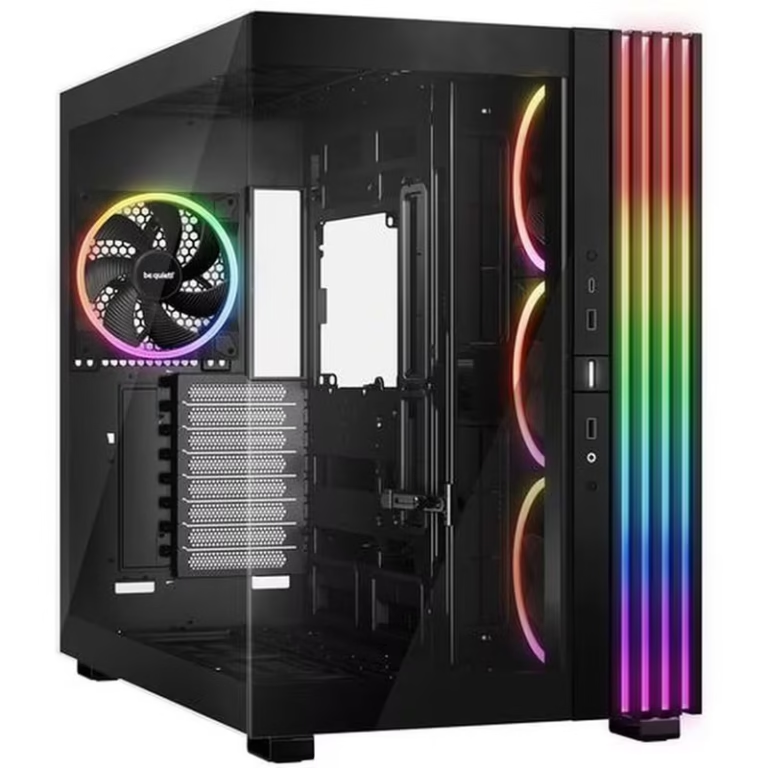
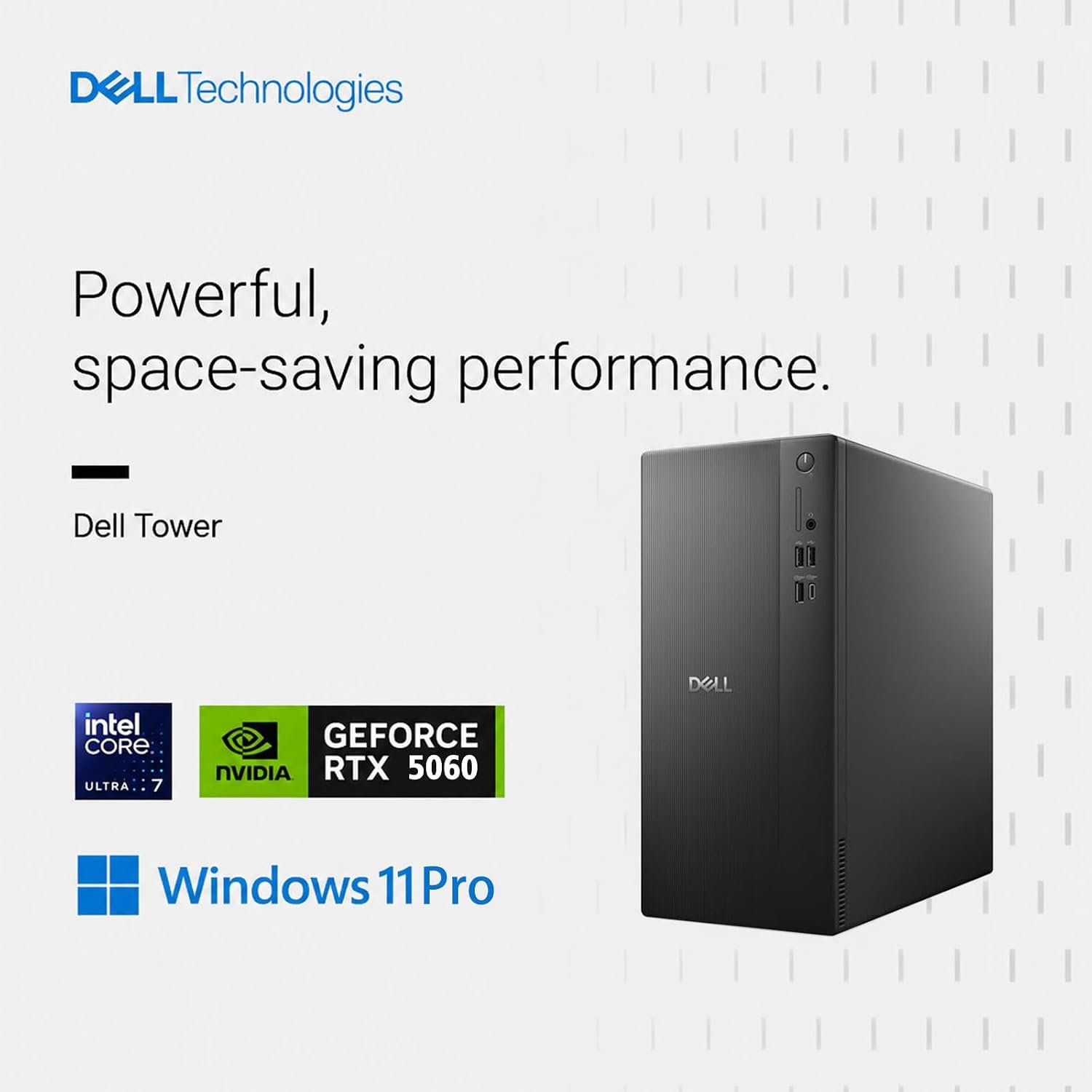
Most pre-built towers force a choice: understated office hardware with modest internals, or a screaming RGB battlestation. Dell’s Tower Desktop with the NVIDIA RTX 5060 and Intel’s 20-core Core Ultra 7 265F refuses that compromise — a minimalist black chassis hiding a genuinely modern platform with 64GB of DDR5 memory, a 4TB PCIe SSD, and true multi-monitor 4K support. This is what a productivity-first workstation looks like when someone takes performance seriously.
For professionals drowning in browser tabs, timelines, datasets, and video calls — all at once — the usual consumer desktop starts folding under pressure. The real bottleneck in modern work is rarely raw single-thread speed; it is memory, storage bandwidth, and how gracefully a system juggles a dozen heavy applications simultaneously.
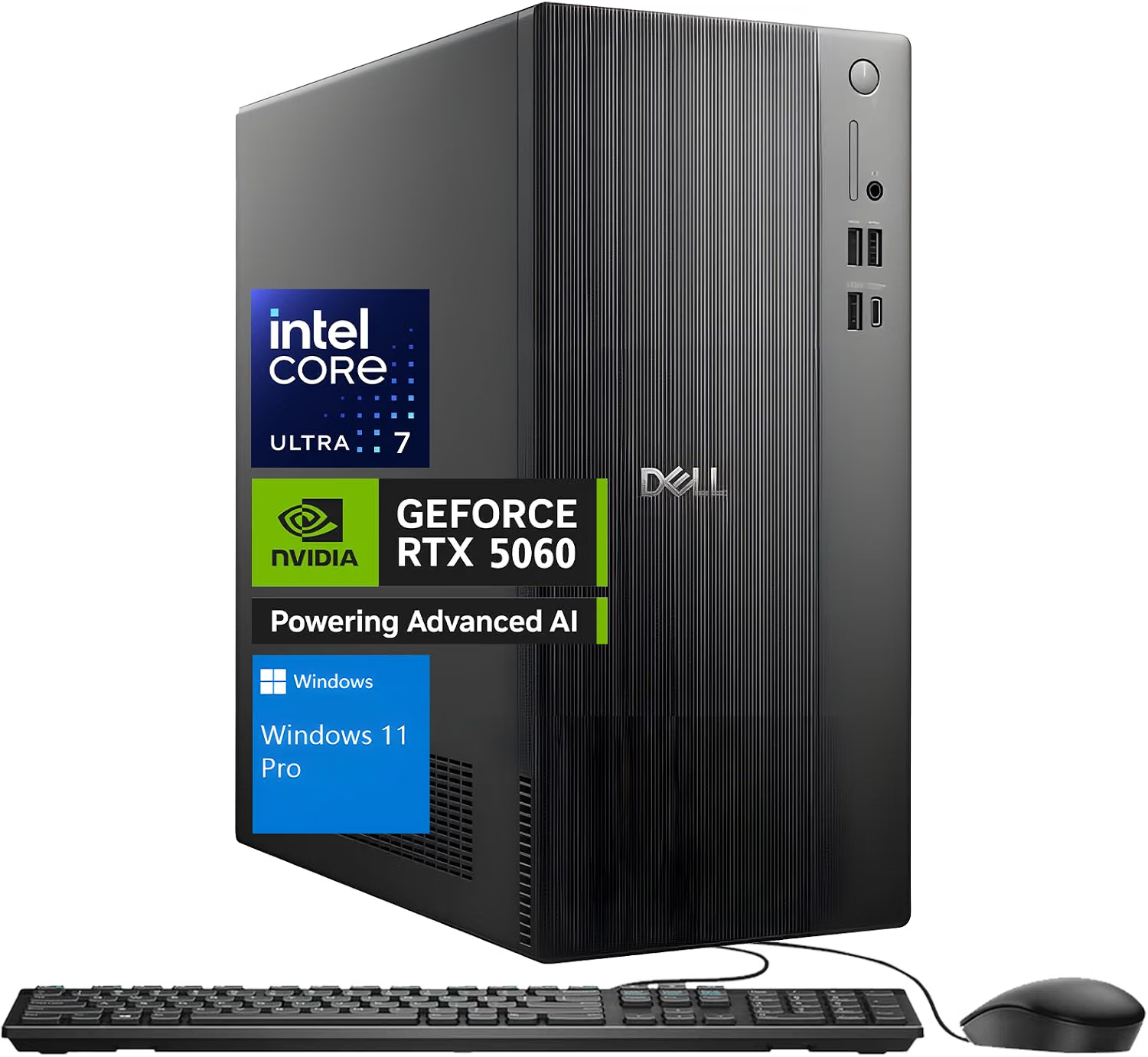
This configuration attacks exactly those bottlenecks: twenty physical CPU cores, 64GB of DDR5 running at 5600 MT/s, a 4TB PCIe SSD, and an RTX 5060 with 8GB of GDDR7 for GPU-accelerated work. Wrapped in a clean black tower with Windows 11 Pro and a matching keyboard and mouse in the box, it arrives ready to work in minutes — no assembly, no component sourcing, no guesswork.
Silicon Foundations: Intel Core Ultra 7 265F & NVIDIA RTX 5060
At the heart of the system sits Intel’s Core Ultra 7 265F, a next-generation hybrid processor built on 20 cores and 20 threads: 8 Performance-cores and 12 Efficient-cores, connected by 30MB of Intel Smart Cache. The philosophy is intelligent workload management — latency-sensitive tasks like active timelines, live previews, and responsive application windows run on the P-cores, while background processes, sync clients, and system maintenance flow to the E-cores. In practice this means the machine stays responsive even while a render, a backup, a large file compression, and a browser full of tabs all run at the same time. AI-assisted features in modern creative and productivity software also find a hardware home here, with the platform accelerating the background AI workloads that increasingly ship inside everyday apps.
Graphics are handled by the NVIDIA GeForce RTX 5060 with 8GB of dedicated GDDR7 memory. The GDDR7 generation matters more in a work machine than people expect: it pushes large texture files, 3D viewports, and multi-stream video timelines with headroom to spare, and its advanced architecture accelerates supported rendering and AI workflows inside creative applications. And of course, when the workday ends, it is also a fully capable 1080p and 1440p gaming card — lag-free, smooth, and quiet about it. One practical note worth knowing: the “F” suffix means the 265F skips integrated graphics entirely, so all display output runs through the RTX card — standard practice in performance builds, and a non-issue in normal use.
64GB DDR5 @ 5600 MT/s
High-speed DDR5 memory that keeps dozens of apps, massive spreadsheets, and browser-heavy workflows completely lag-free — and upgradeable to 128GB when your demands grow.
4TB PCIe SSD
Quick boots, instant file access, and generous space for games, footage, and creative projects — expandable up to 8TB of internal storage.
Quad-Display Ready
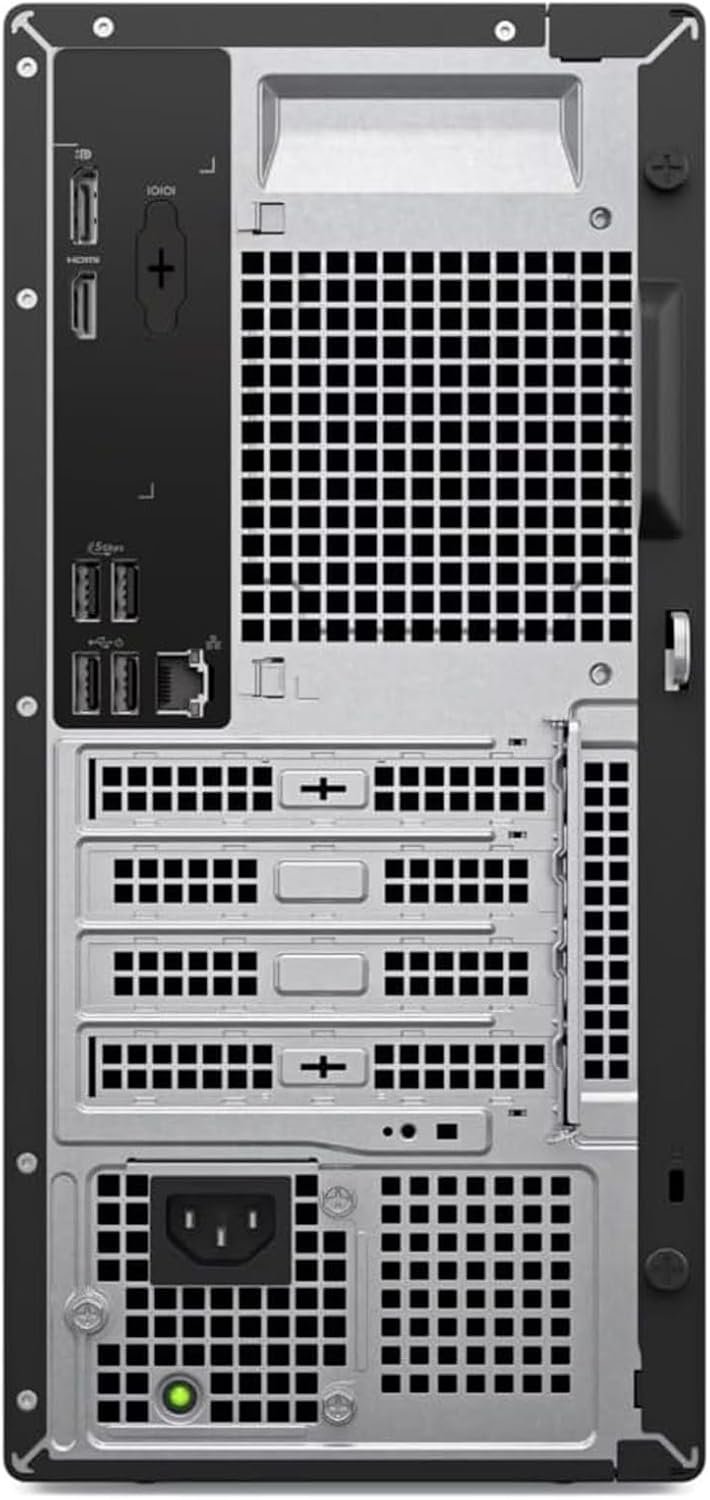
Up to four FHD monitors via DisplayPort daisy-chaining, or two crisp 4K displays through HDMI 2.1 and DisplayPort — a true command-center setup.
Memory & Storage: The Real Reason This Tower Feels Fast
Here is the part of a spec sheet most buyers skim — and the part that decides how a machine feels after three months of daily use. 64GB of DDR5 at 5600 MT/s is, frankly, an enormous amount of memory for a pre-built at any tier. It means raw 4K footage holds in memory, giant datasets open without swapping, a virtual machine or two can run beside your normal desktop, and the system never resorts to disk-thrashing when you simply refuse to close tabs. Where most consumer towers ship with 16GB and beg you to upgrade later, this one arrives already past the finish line — and if your workload somehow outgrows it, the door is open to 128GB.
Storage follows the same philosophy: a 4TB PCIe SSD delivers the instant boot times and snappy file access that make modern systems feel effortless, with room for entire game libraries, years of photos, and bulky project files — and yes, expandable up to 8TB for archivists. The combination removes the two most common sources of everyday computing friction: waiting, and running out of space.
Connectivity & Displays: Built for the Multi-Screen Life
The tower’s display support reads like a productivity wishlist: up to four FHD monitors via DisplayPort with daisy-chaining, or two full 4K displays through HDMI 2.1 and DisplayPort. Multi-monitor work is the single biggest ergonomic upgrade most professionals never make — reference material on one screen, the active document on another, communications on a third — and this machine treats that layout as its default assumption rather than an afterthought.
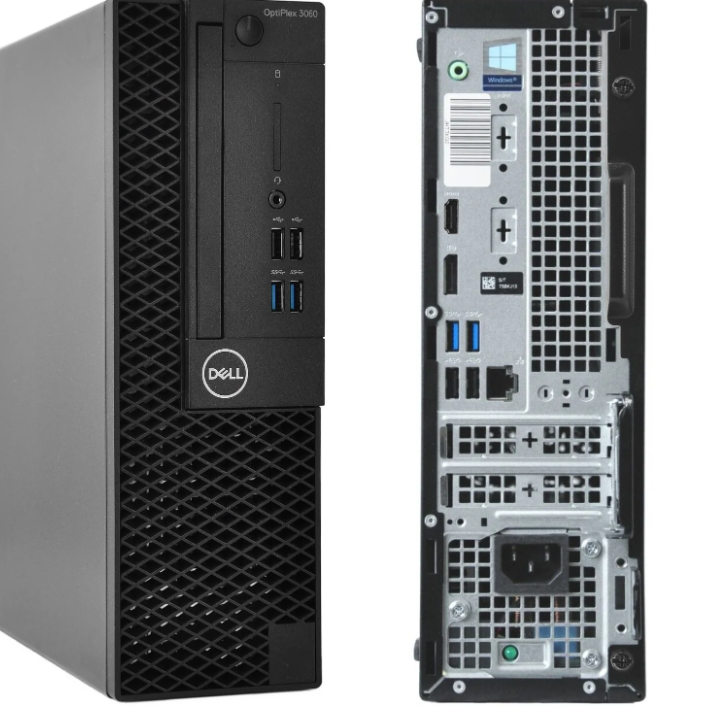
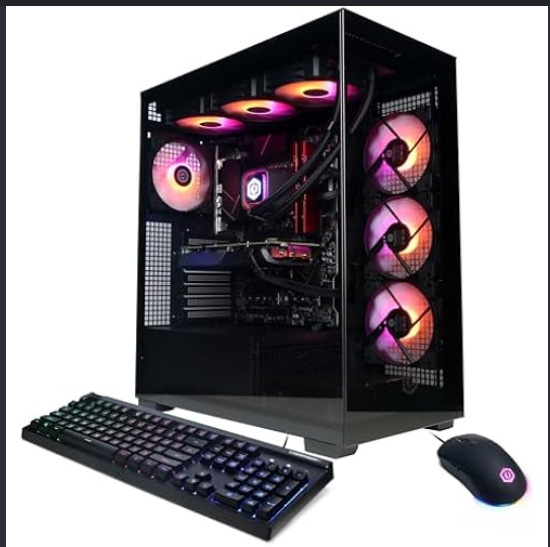
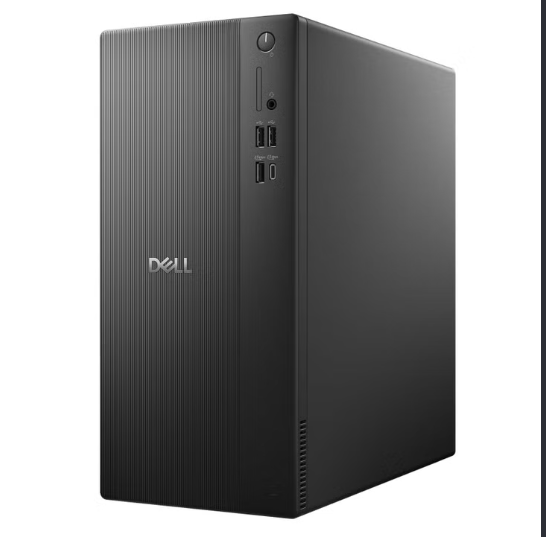
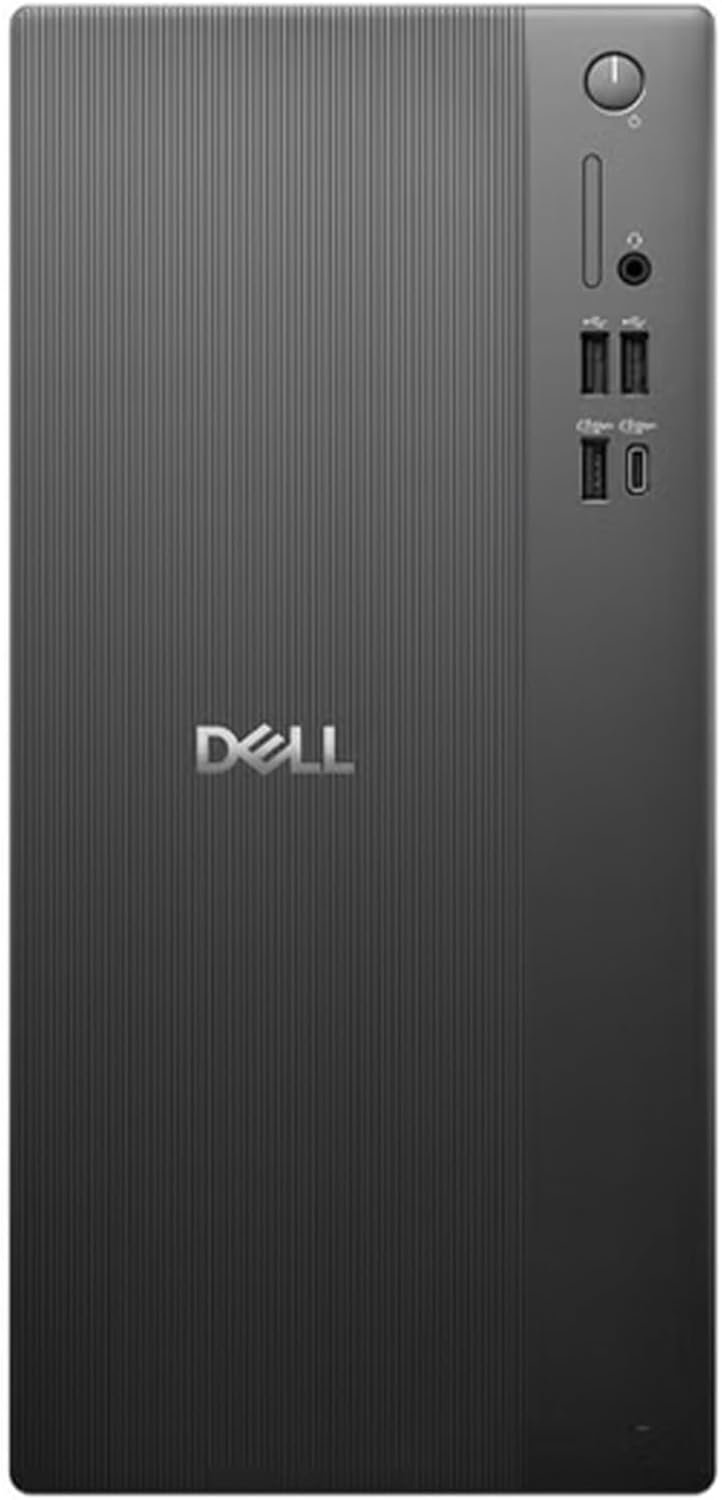
Around back and up front, eight USB ports (four of them front-facing for convenient plug-in cycles) plus an SD card reader for quick photo imports cover daily peripherals without a hub. Wi-Fi 6 keeps conferencing and streaming smooth and lag-free, and the compact 11.54 x 6.06 x 12.77-inch frame tucks under or beside a desk without monopolizing the floor. A wired keyboard and mouse ship in the box alongside Windows 11 Pro, so the unboxing-to-productive gap is measured in minutes.
Windows 11 Pro: The Business-Grade Foundation
Dell ships this tower with Windows 11 Pro rather than the Home edition — a meaningful distinction for anyone using the machine professionally. Pro brings the management and security tooling businesses rely on (BitLocker encryption, remote desktop, domain and group policy support) alongside the polished everyday interface: snap layouts for organizing many windows across multiple monitors, focused notifications, and the AI-assisted convenience features built into the modern Windows experience. For creative work, family admin, or serious play, the fresh interface makes daily tasks flow efficiently — and the Pro foundation means the machine is ready to join a managed work environment the day it is needed.
Technical Specifications Matrix
| Central Processor (CPU) | Intel Core Ultra 7 265F — 20 cores (8P + 12E), 20 threads, 30MB Smart Cache |
|---|---|
| Graphics Core (GPU) | NVIDIA GeForce RTX 5060, 8GB GDDR7 dedicated memory |
| System Memory (RAM) | 64GB DDR5 @ 5600 MT/s (upgradeable to 128GB) |
| Primary Storage (SSD) | 4TB PCIe SSD (expandable to 8TB) |
| Display Support | Up to 4x FHD via DisplayPort daisy-chain, or 2x 4K via HDMI 2.1 + DisplayPort |
| Connectivity | Wi-Fi 6, 8x USB ports (4 front-facing), SD card reader |
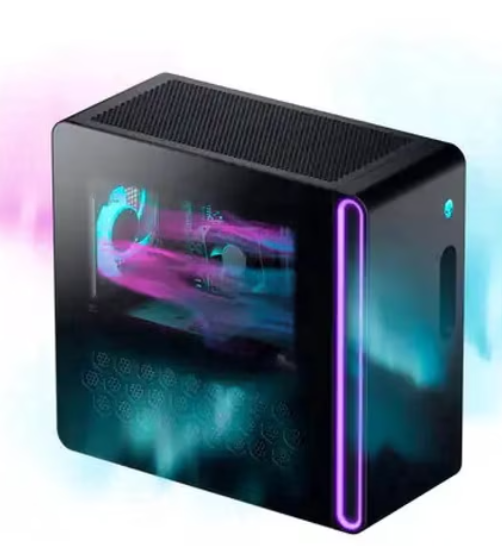
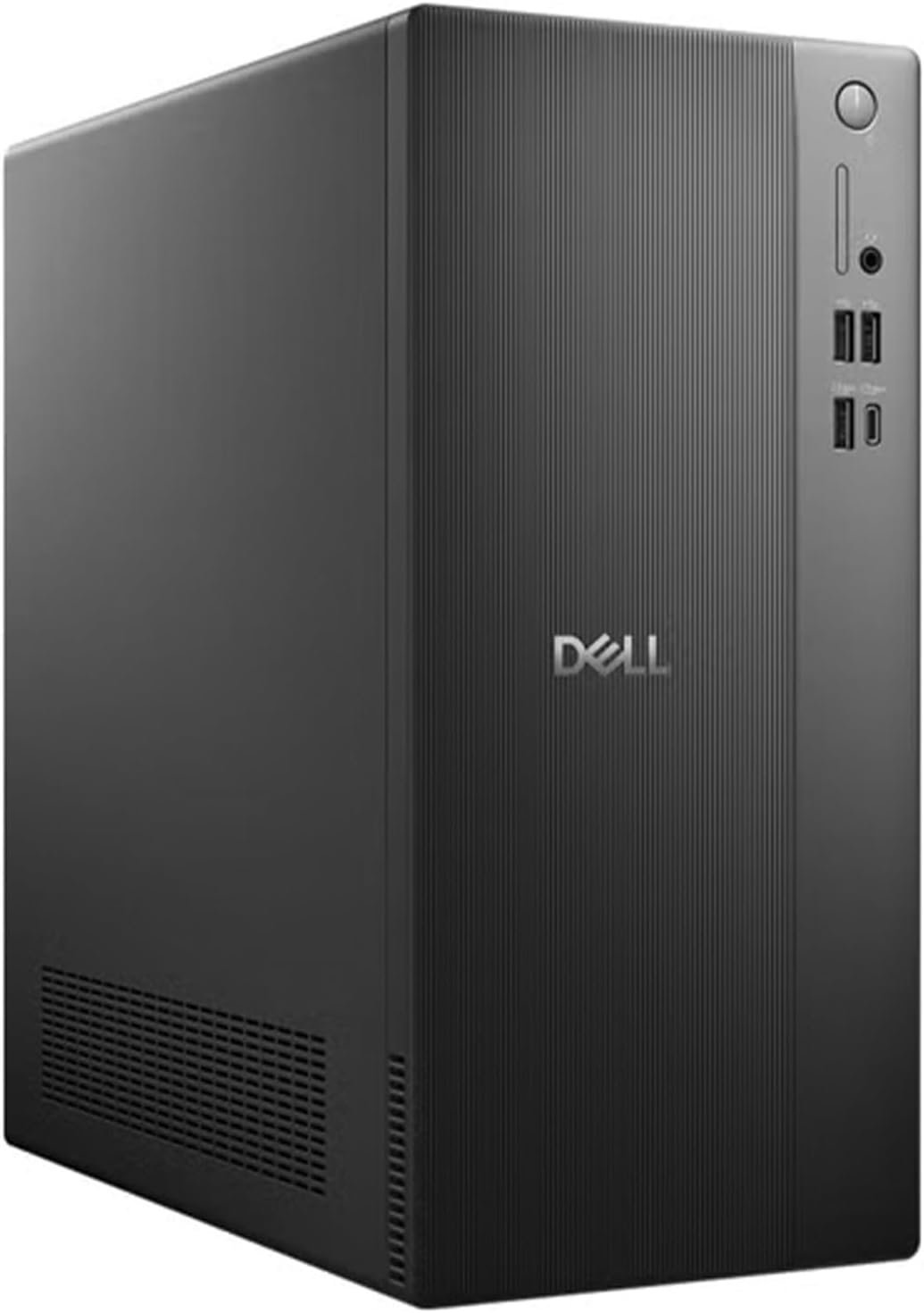
| Chassis | Matte black minimalist tower — 11.54 x 6.06 x 12.77 inches |
| Operating System | Windows 11 Pro |
| In the Box | Wired keyboard and mouse included |
Who This Tower Is Built For
The creative professional. Video editors, 3D artists, and designers who live inside GPU-accelerated applications and want their viewport, preview, and export pipelines to move without hesitation — with the memory to hold entire projects open.
The multitasking power user. The person with twenty pinned tabs, three chat apps, a spreadsheet, and a video call — who wants all of it to simply stay smooth. Twenty cores and 64GB of RAM are exactly the medicine for that workload.
The work-and-play household. By day it is a quiet, dependable workstation with quad-monitor command-center energy; by night the RTX 5060 handles modern titles at smooth, high-settings framerates — one machine, no compromises in either direction.
The buyer who plans ahead. With upgrade paths to 128GB of RAM and 8TB of storage, this is a tower designed to grow with its owner — a platform investment rather than a disposable appliance.
Product Evaluation: Pros & Considerations
Pros
- 20-core Core Ultra 7 265F with hybrid P-core/E-core architecture keeps heavy multitasking buttery smooth.
- 64GB of DDR5 at 5600 MT/s is class-leading memory for this tier — with headroom to 128GB.
- 4TB PCIe SSD eliminates storage anxiety for games, footage, and archives.
- RTX 5060 with GDDR7 accelerates creative apps and handles modern gaming with ease.
- Four-monitor FHD or dual-4K support straight out of the box — no add-in cards needed.
- Windows 11 Pro plus keyboard and mouse included: a complete desk in one purchase.
Consider Alternatives If
- You exclusively play at maximum-settings 4K — a higher-tier GPU class is the better fit for that specific mission.
- You require integrated graphics for GPU-less troubleshooting workflows (the 265F is an “F” variant).
- You need extreme-tier overclocking headroom rather than the 265F’s efficiency-first tuning.
- Your space demands a small-form-factor or all-in-one machine rather than a tower.
Frequently Asked Questions
How many monitors can this Dell Tower actually run?
Up to four FHD monitors via DisplayPort with daisy-chaining, or two full 4K displays through the HDMI 2.1 and DisplayPort outputs. For productivity and content-creation setups, that means a genuine multi-screen command center with no additional hardware.
Is 64GB of RAM overkill?
Not for the workloads this machine targets. Large creative projects, heavy multitasking, virtual machines, and browser-intensive workflows all scale directly with memory — and 64GB at 5600 MT/s means those scenarios run at full speed rather than at the edge of a cliff. Should your needs someday double, the platform scales to 128GB.
What does the “F” in Core Ultra 7 265F mean for me?
The F designation means the processor ships without integrated graphics, so all display output is driven by the RTX 5060 graphics card. Since a discrete GPU is present and powering the displays anyway, this has zero practical impact on daily use — it is simply Intel’s efficiency-focused packaging of an otherwise identical chip.
Can it handle gaming as well as work?
Yes. The RTX 5060 with 8GB of GDDR7 is a modern mid-range gaming card: smooth high-framerate play at 1080p and 1440p in current titles, backed by twenty CPU cores that will not bottleneck the experience. After hours, it transitions from workstation to game machine without a single change.
This post contains affiliate links. #CommissionsEarned
As an Amazon Associate, I earn from qualifying purchases. This editorial review is based on an objective analysis of the manufacturer’s published technical specifications. Product prices, shipping schedules, and item availability are managed entirely by Amazon US and are subject to change without notice. Amazon and the Amazon logo are trademarks of Amazon.com, Inc. or its affiliates.